


OMR Software-OMR Scanner-OMR Reader-OMR Sheet Checking Software


IT Solutions for Institutes
Softwares
| Websites | Messaging
Home  |  About Us   |   Site Map   |   Contact Us

Call Us. +91-8805707333, 9229113577  

      OMR Software-OMR Scanner Software-OMR Reader-OMR Sheet Checker
Send Query >> Send

More about OMR Sheet...

OMR Answer Sheet Sample DesignWhat is OMR Sheet / OMR Answer Sheet / MCQ Test Sheet ?

OMR Sheets are special printouts containing circles or elliptical bubbles or boxes used as marking areas where the candidate marks using a blue/black pen or pencil.

OMR Answer sheets are also OMR sheets that are used for objective tests based on Multiple Choice Question (MCQ) Test pattern, where the candidates indicate their answers by marking the circles/boxes given on the OMR Sheet, its help to easily record the responses.

OMR Answer Sheets are basically used by educational institution for conducting Objective test for Admission or Scholarship.The OMR Sheet Reader is a software that reads these specific locations and converts the information into data.

OMR Sheet is also known as: OMR Answer Sheet, OMR Test Sheet, ORS : Objective Response Sheet, Oval Sheet, Bubble Sheet

Free OMR Sheet Download
(OMR Sheet Sample-OMR Sheet Format for practice)

Given below are few OMR Layouts to Download Free OMR Sheet for practice.

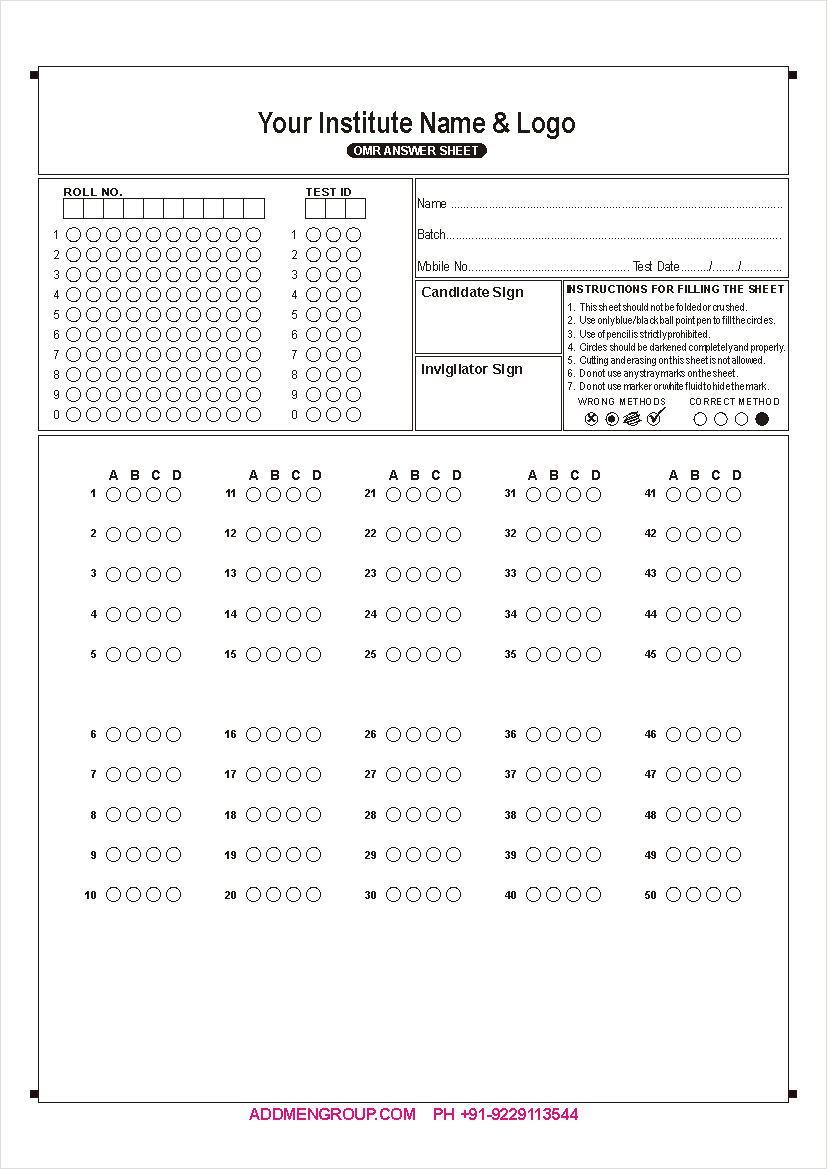
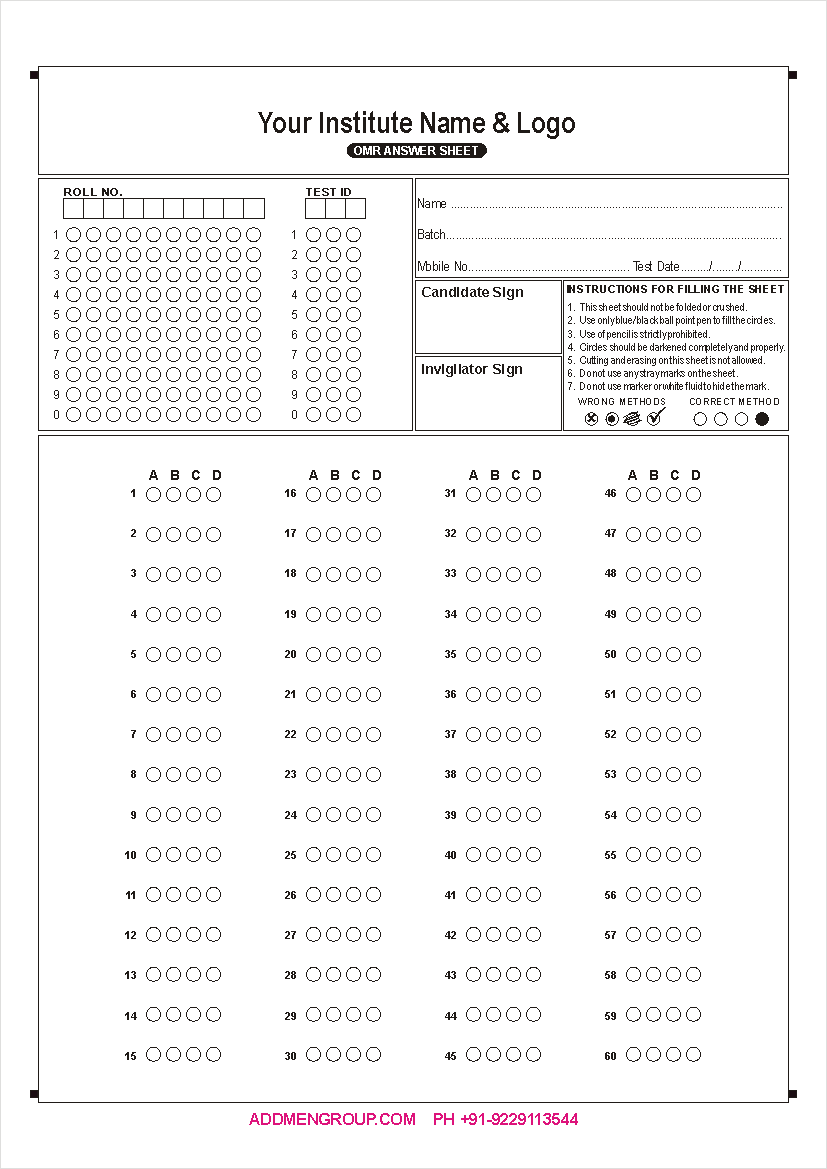
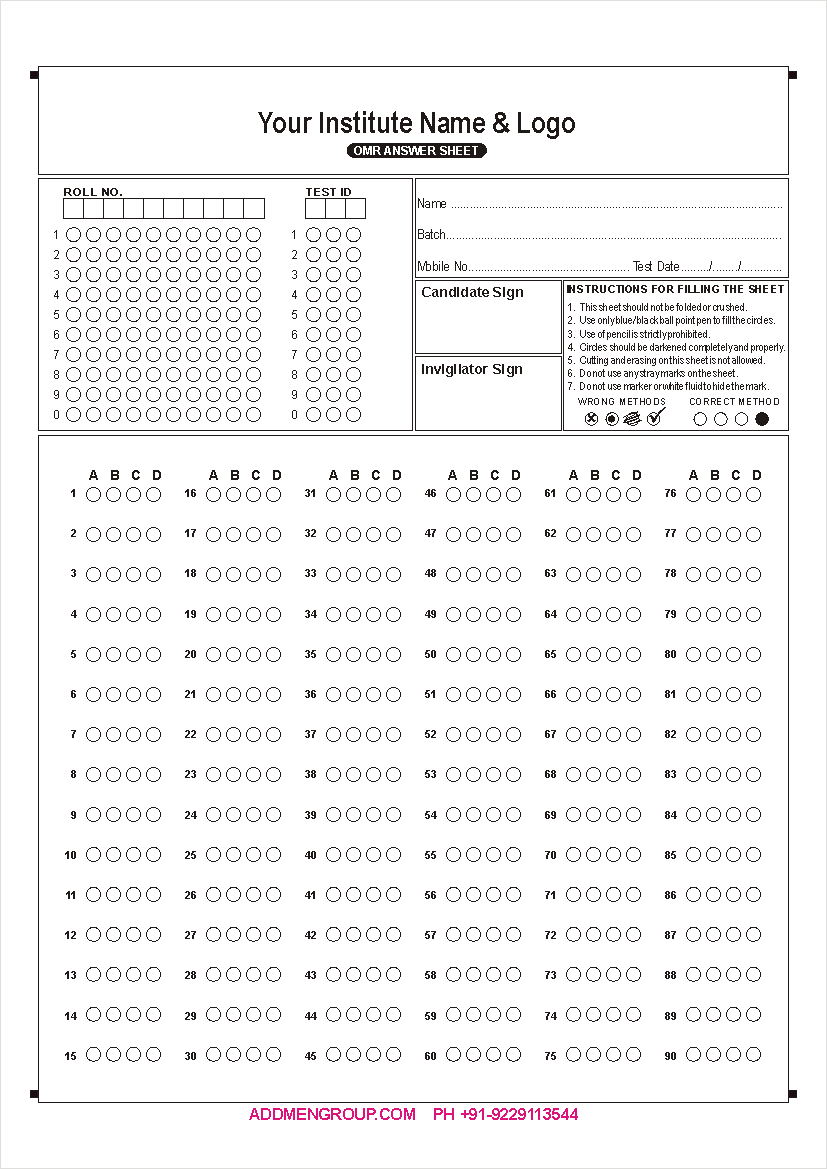
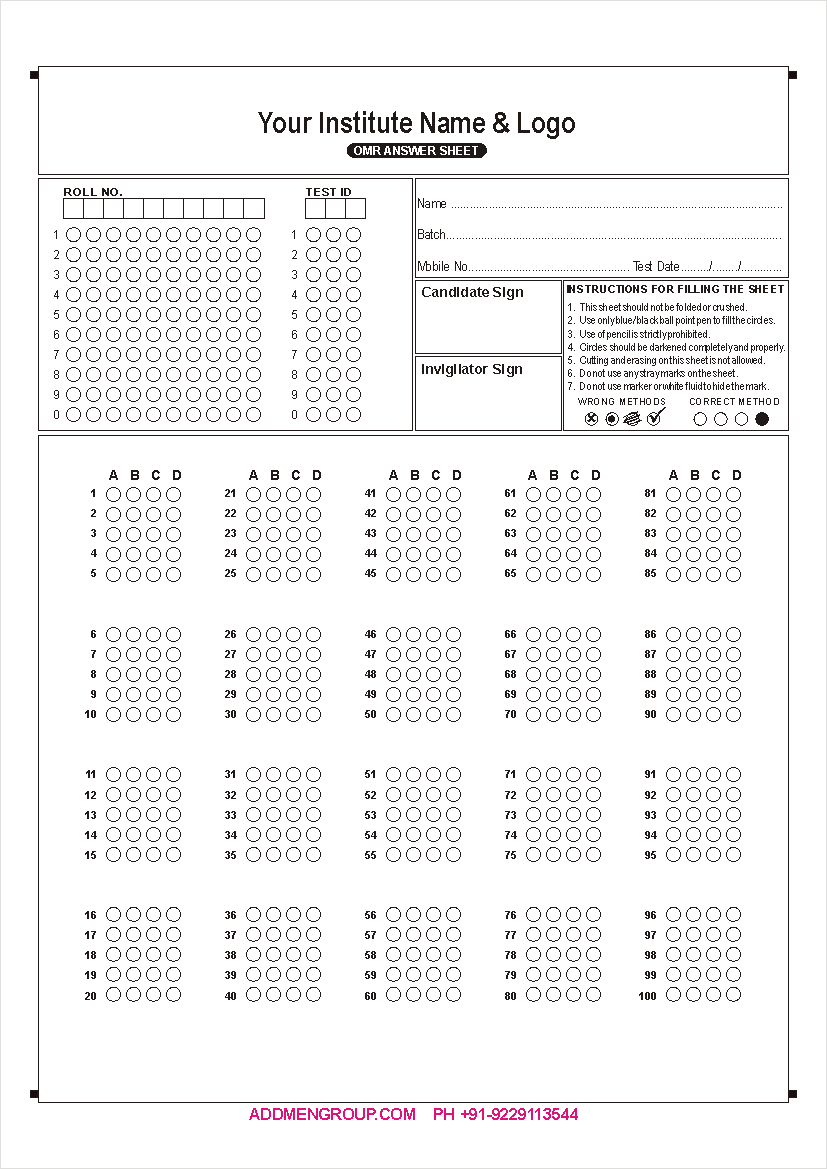
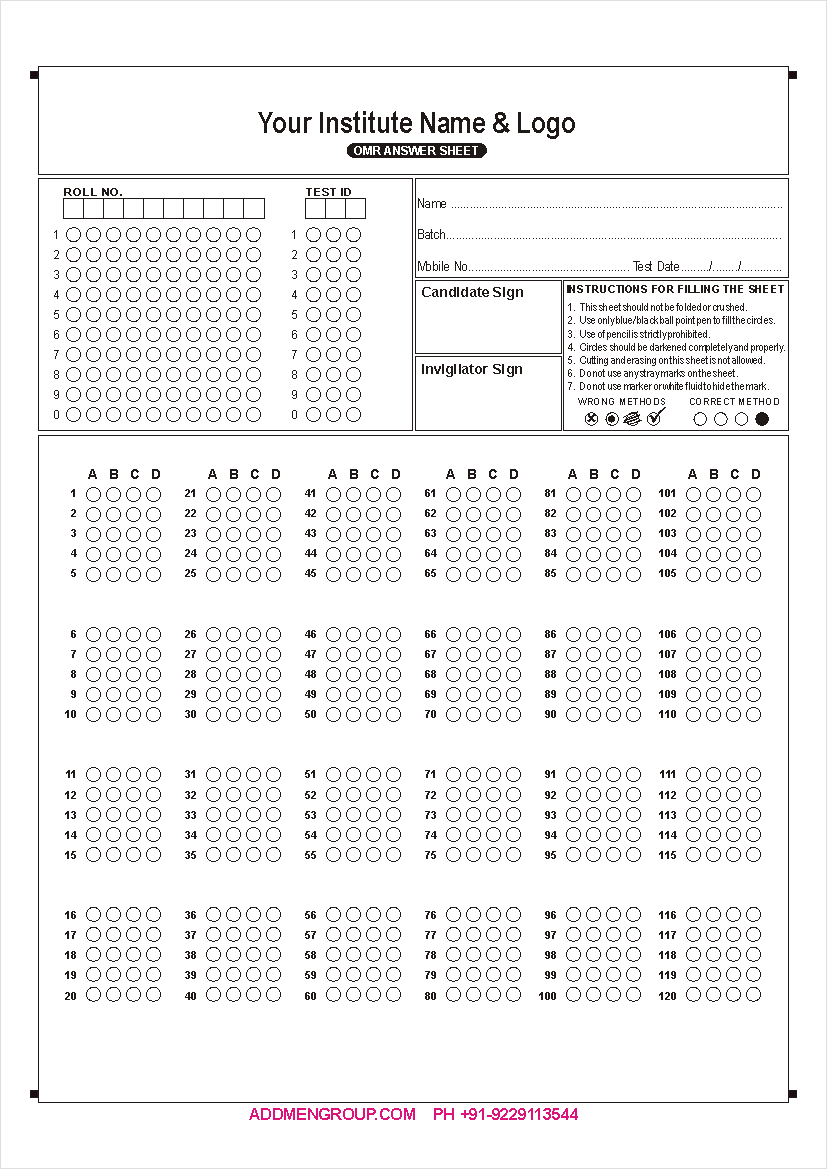
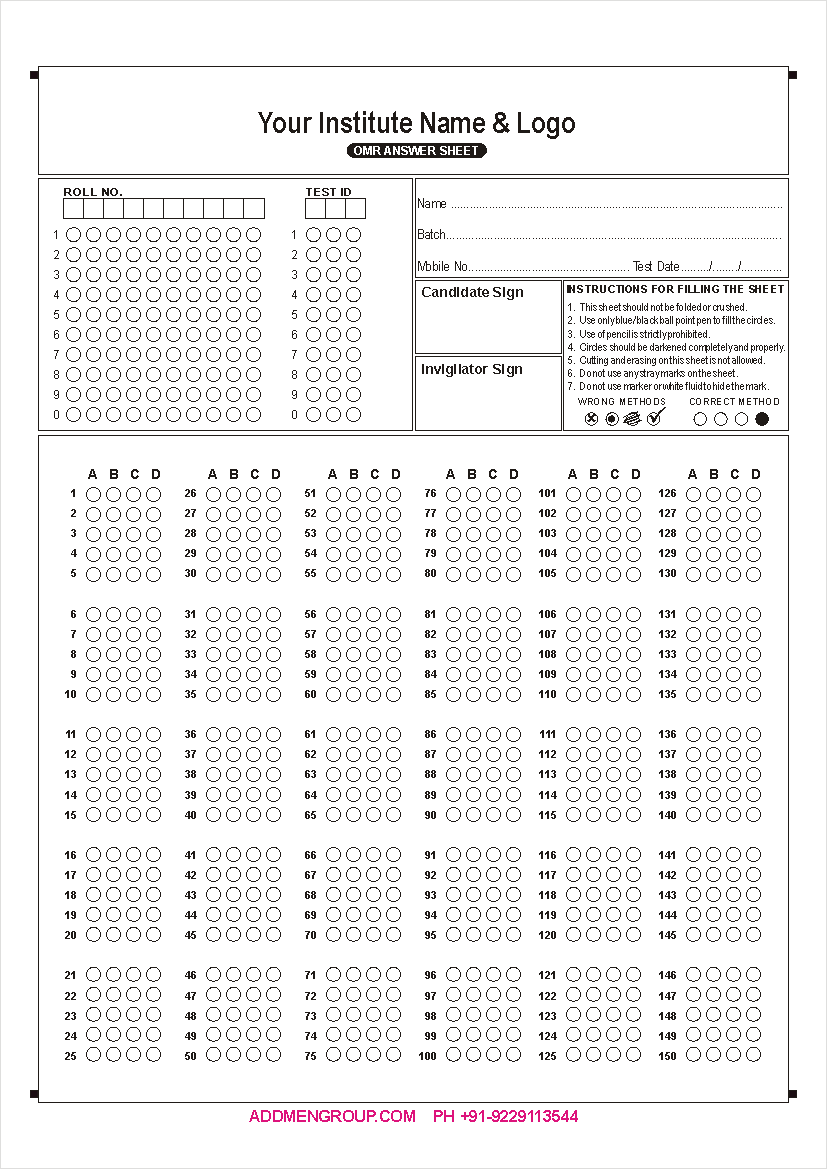
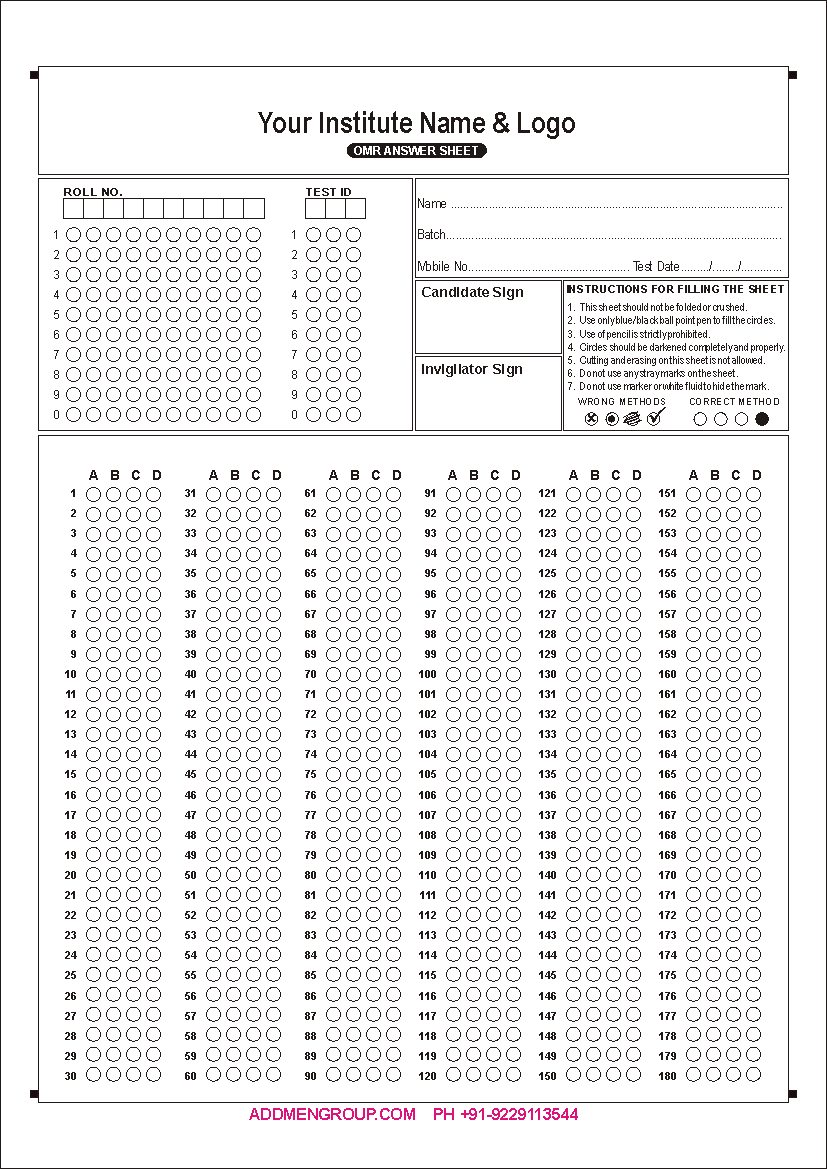
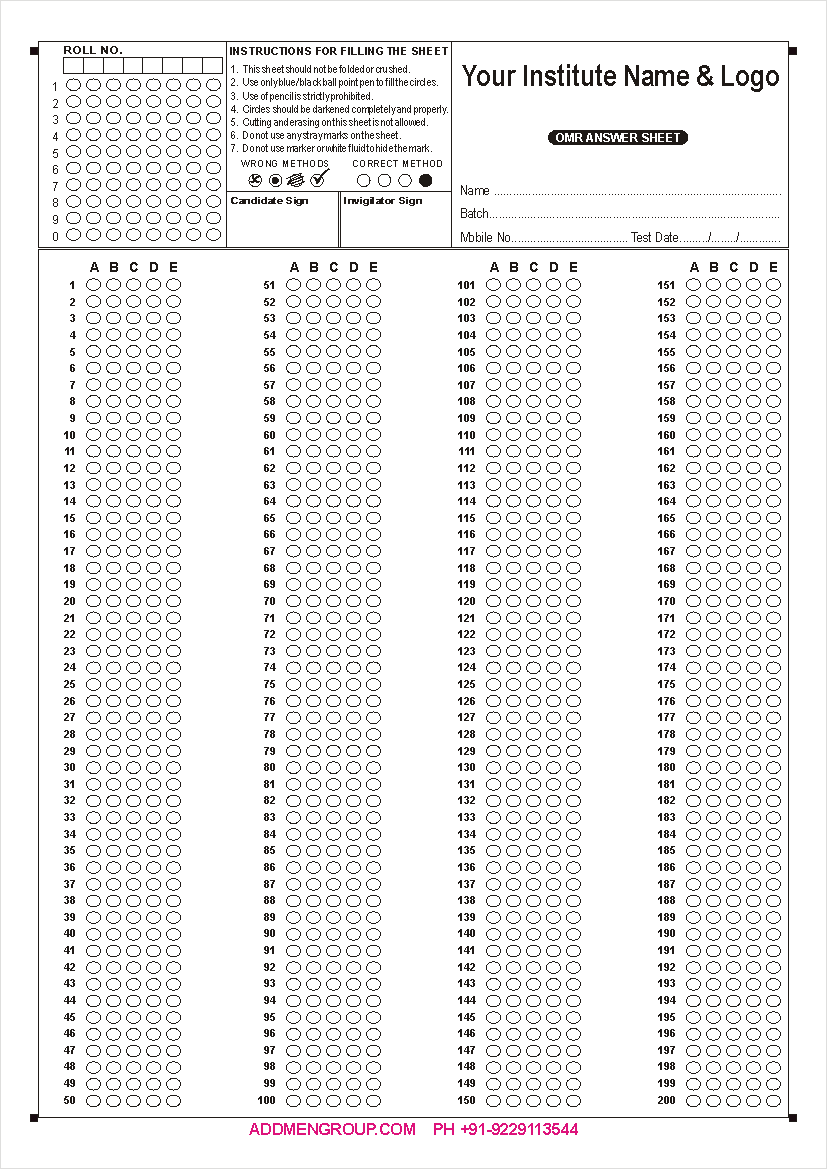
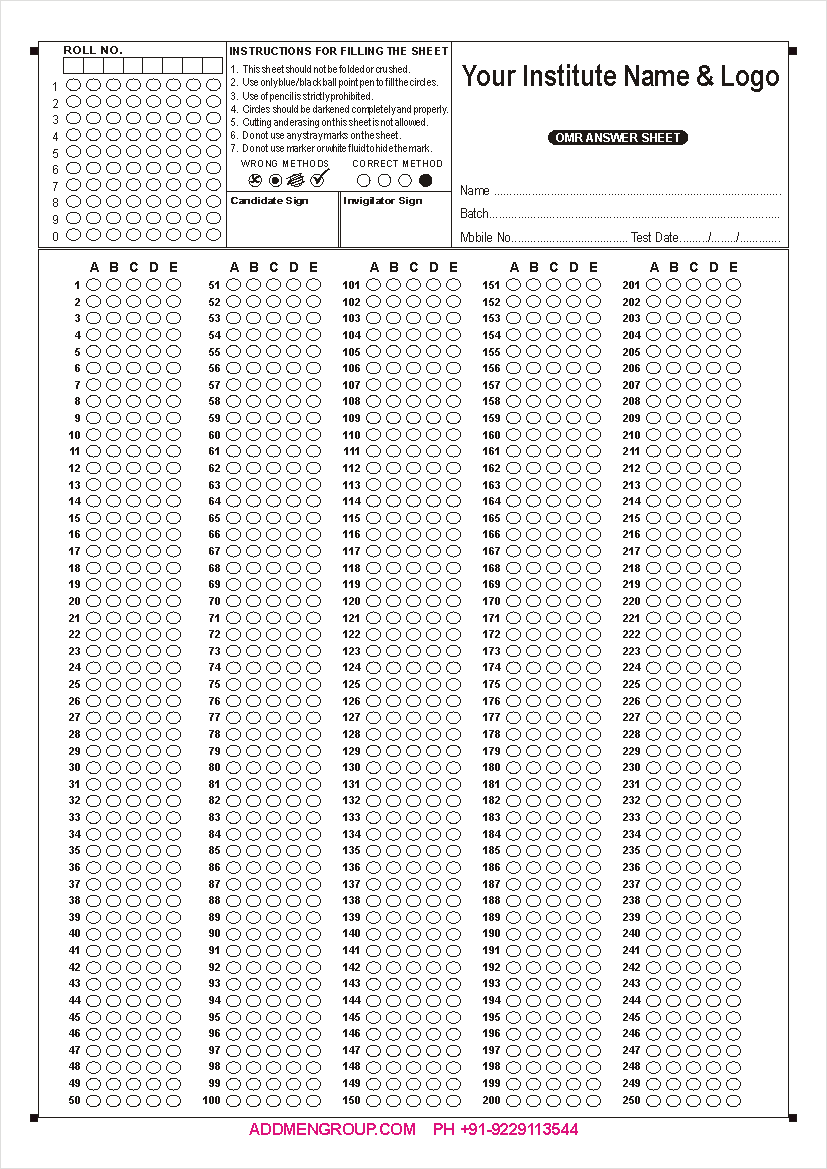
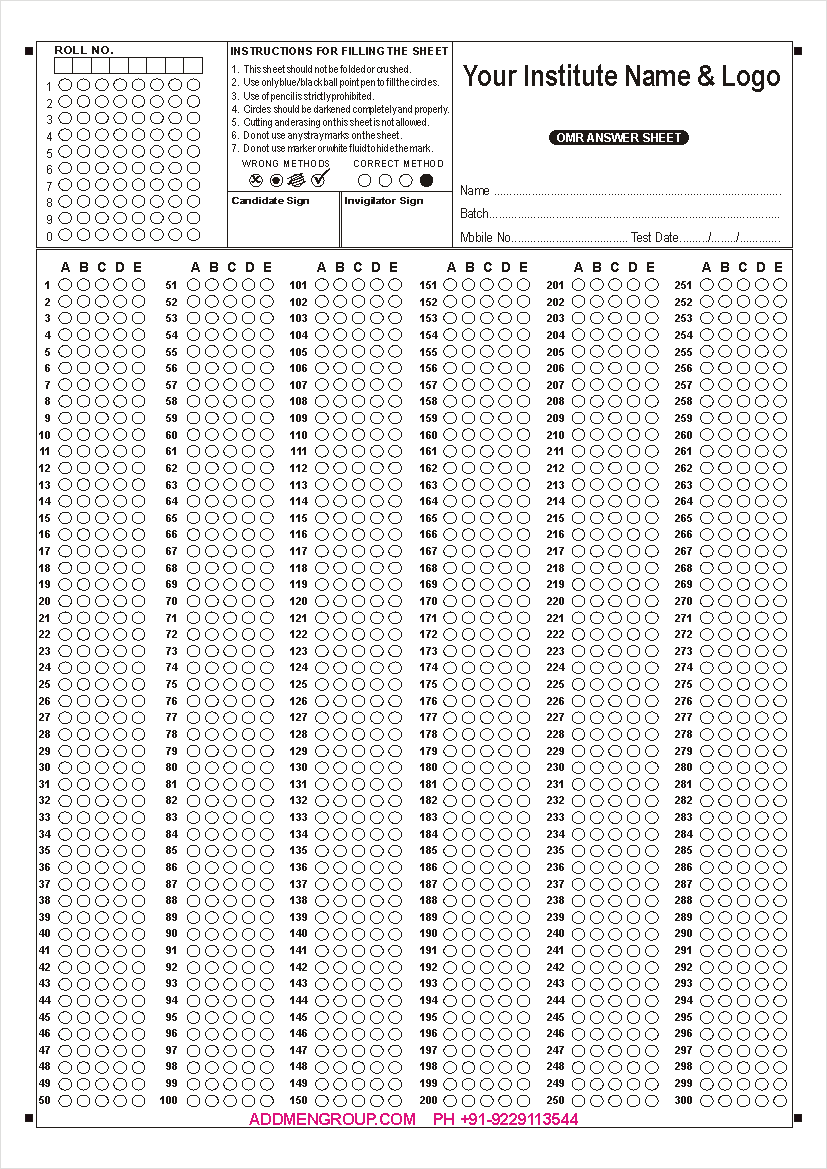
100 Question OMR Sheet Format with 4 Options, used in most MCQ exams. Download 150 Question OMR Sheet Sample Format with 5 Options for Practice 200 Question OMR Sheet Format with 4 Options used in most CPT, PMT and other MCQ exams. 300 Question OMR Sheet Format with 4 options mostly used in Aptitude tests where speed is also tested.
100 Question OMR Sheet 150 Question OMR Sheet 200 Question OMR Sheet 300 Question OMR Sheet
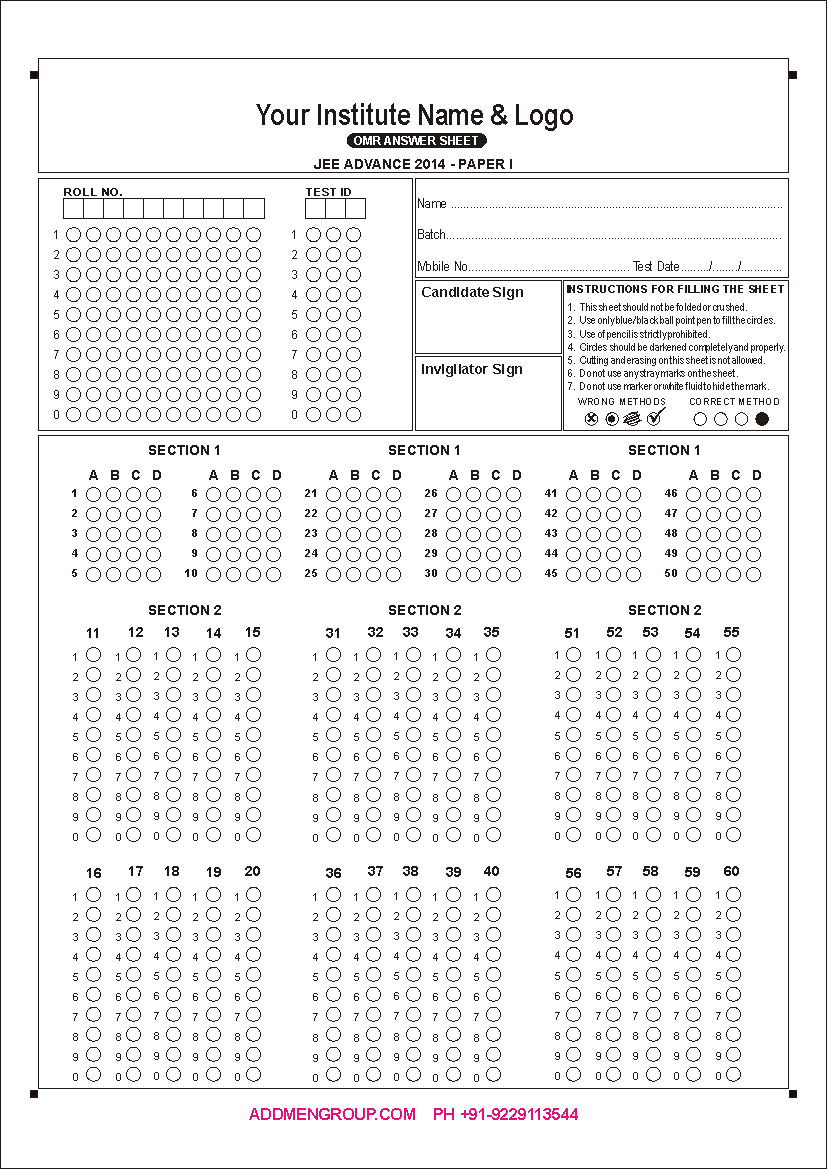
50 Question OMR Sheet Format with 4 Options, used in Gujarat Board New Paper Style IIT OMR Sheet Format 2011 IIT OMR Sheet Format 2011 AIEEE OMR Sheet Format 2011
GSEB 2010-11 OMR Sheet IIT 2011 OMR Sheet - I IIT 2011 OMR Sheet - II AIEEE 2011 OMR Sheet
200 Question Bank OMR Sheet Format with 5 Options 300 Question MCA OMR Sheet Format with 5 Options 100 Question OMR Sheet For Tick Mark Format with 4 Options  
Bank OMR Sheet MCA OMR Sheet 100 Question OMR Sheet
for Tick Mark
 

OMR Sheet Design

OMR Sheets or OMR forms also have black colour index point which are at the corner of the sheet. The vertical or horizontal length or span between index points is also called timing track.

OMR Sheets are created using OMR Software Sheet Design feature. OMR Answer Sheet can be created in any desired format containing upto as many questions or blocks that can be accomodated.

Generally an A4 size sheet can contain upto 300 question with 5 options. Smaller sheets can be designed in half A4 size to save paper if number of questions is less.

OMR Sheet Printing

OMR Sheets used in Addmen OMR Software are very simple and economical to print. Our OMR Software does not need Two-color print. Only single black color printed sheets can be used.

OMR Sheets can be printed using a Laser Printer or rezograph. OMR Sheet can also be made through Offset Printing. Photocopies of OMR Sheet can also be used for printing multiple OMR Sheets.

Download Free OMR Software Video

Type of marks detected by OMR Software.

Dirt and Scratches do not affect OMR Software.

How to fill OMR Sheets - OMR Answer Sheets - OMR Forms ?

OMR Sheets also known as bubble sheets have circles or elliptical bubbles or boxes as response areas. Mark your response only in the space provided for the purpose. Response marked elsewhere will not be considered.

  • The circles/boxes on the OMR Sheet should be filled with due care.
  • Avoid partial filling or spilling out.
  • Completely darken the respective circle for your response.
  • First fill the circles/boxes in the OMR sheet completely and then darken the filled circles/boxes.
  • OMR sheet has to be filled using Blue/Black Pen or HB pencil.
  • Please fill the appropriate OMR circles with due care. Avoid over-writing on OMR Sheet.
  • You may change a mark by completely erasing the wrongly filled circle.
  • The erasure should be complete and without any smudges as partially erased mark may lead to wrong reading by the highly sensitive OMR Software.
  • All OMR sheet have index points that are crucial to their functioning. Do not mark anything on or near Index Points or Timing Track of OMR sheet.
  • Any change in Timing Track and OMR sheet identification block will lead to rejection of the OMR sheet and no result will be generated for such OMR sheets.
  • Mark multiple bubbles only in case of MCQs or multiple choice questions. If you mark more than one circle in a single choice question the answer will be considered as being wrong.

Avoid these points while filling OMR Sheets/OMR Forms:

  • There are ‘DO NOT WRITE’ areas demarcated on any OMR Sheet. Please do not write or mark on OMR Sheet outside the demarcated areas.
  • Do not make any stray marks on the OMR Sheet.
  • Do not tick or overfill the OMR circles.
  • Do not use whitener or blade to hide marks on OMR Sheet.
  • Do not pin or staple anything with the OMR Sheet.
  • OMR Sheet should not be punched or tied.
  • The OMR Sheet/OMR Form should not be folded.

OMR Sheet Checking Software video


See more videos.  OMR Scanner | OMR Sheet Scanning
Download Free OMR Software Video


  © Admen Multi-Studios - All rights reserved  |  Addmen is a Brand of Admen Multi-Studios